The Summit Power Point Template: A Versatile Design Tool
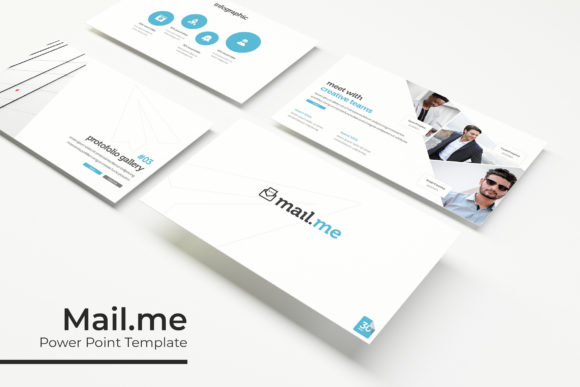
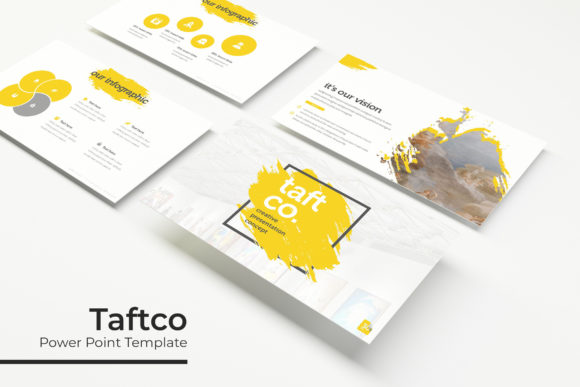
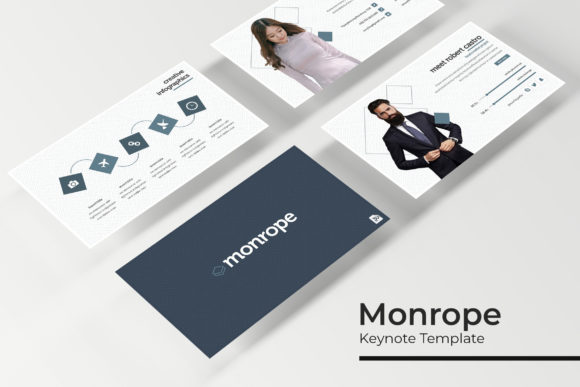
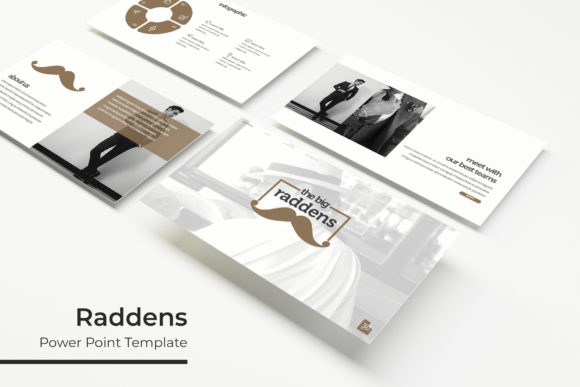
Creating a compelling presentation often feels like a balancing act between aesthetic appeal and functional clarity. The Summit Power Point Template addresses this challenge by providing a comprehensive suite of design assets that streamline the creation process without sacrificing professional quality. At its core, this resource is a collection of five distinct PPTX files, each offering 30 unique slides for a total of 150 editable layouts. Rather than forcing a single visual style, it offers five premade color variations, allowing users to select a palette that aligns with their specific brand identity or project mood. This flexibility makes it more than just a slide deck; it serves as a modular design system adaptable to various communication needs.
Diverse Applications for Varied Audiences
A template’s value is rarely universal; it shifts depending on who is using it and why. For a marketing professional preparing a quarterly review, The Summit Power Point Template offers immediate structural reliability. The inclusion of gallery and portfolio slides allows for the seamless integration of campaign visuals and case studies, turning raw data into a narrative. These professionals prioritize speed and consistency, needing assets that look polished without requiring hours of custom illustration work. The handcrafted infographic sections serve this demographic well, providing pre-designed frameworks for displaying complex metrics or growth charts that maintain visual harmony with the rest of the deck.
Conversely, educators and trainers approach this tool with a different set of priorities. For them, the section break slides are invaluable. Teaching requires clear cognitive segmentation to help students process information in chunks. The dedicated transition slides in this template provide visual cues that signal topic shifts, aiding retention and pacing. Furthermore, the resizable and editable graphic placeholders allow instructors to swap generic stock imagery for relevant diagrams, historical photos, or student work examples. Here, the focus is less on corporate branding and more on pedagogical clarity and engagement.
Freelancers and small business owners often wear multiple hats, acting as both content creator and designer. For this group, cost-efficiency and long-term usefulness are paramount. Investing in a template with 150 total slides means they likely won't need to purchase another general-purpose deck for quite some time. The drag-and-drop functionality based on master slides reduces the technical learning curve, allowing entrepreneurs to focus on their pitch rather than alignment tools. They benefit significantly from the pixel-perfect illustrations, which elevate their perceived professionalism when competing against larger agencies with dedicated design teams.
Evaluating Quality and Technical Flexibility
When assessing whether this template fits your workflow, technical specifications matter as much as aesthetics. The Summit Power Point Template includes both standard and widescreen formats, ensuring compatibility across different display environments, from older classroom projectors to modern conference room LED walls. This dual-format inclusion prevents the awkward cropping or stretching that can ruin a carefully designed layout during a live presentation.
The architecture of the file relies heavily on master slides. This is a critical feature for users who value efficiency over manual tweaking. When you adjust a logo position or font style in the master view, it propagates across all associated slides instantly. Beginners might initially overlook this, preferring to edit slides individually, but mastering this feature transforms the template from a static product into a dynamic workspace. It ensures global consistency, which is essential for maintaining brand integrity across a 30-slide narrative.
Typography also plays a significant role in the user experience. The package includes a readme file with links to free font downloads. This transparency regarding licensing is vital for commercial users who must ensure their presentations are legally compliant. Using the intended typefaces preserves the designer's original vision, yet because these are standard text boxes, advanced users can easily swap them for proprietary brand fonts if necessary. This balance between curated design and open editability defines the template's practical utility.
Creative Customization and Visual Assets
Visual communication extends beyond bullet points. The handcrafted infographics included in The Summit Power Point Template are designed to be fully editable vector elements rather than flattened images. This distinction is crucial for creators who need to update data annually or customize statistics for different clients. Being able to change colors, resize components, and alter text within the infographic itself ensures the visual remains accurate and branded. Pixel-perfect illustrations further enhance this capability, providing crisp graphics that remain sharp regardless of how much they are scaled or projected.
For hobbyists and personal project creators, these assets offer a learning opportunity. By deconstructing how the infographics and layouts are built, users can improve their own PowerPoint skills. Analyzing the layering, grouping, and alignment techniques used in the master slides provides practical education in digital design principles. In this sense, the template serves a dual purpose: an immediate solution for current projects and a reference library for future skill development.
Making the Right Choice for Your Project
Determining if this specific collection matches your goals requires honest self-assessment regarding your design proficiency and output frequency. If you require highly specialized technical diagrams or industry-specific regulatory compliance layouts, a generalist template like The Summit may require too much modification to be worthwhile. However, for broad-spectrum communication needs—ranging from startup pitches and educational lectures to creative portfolios and internal reports—the variety of 150 slides provides sufficient breadth.
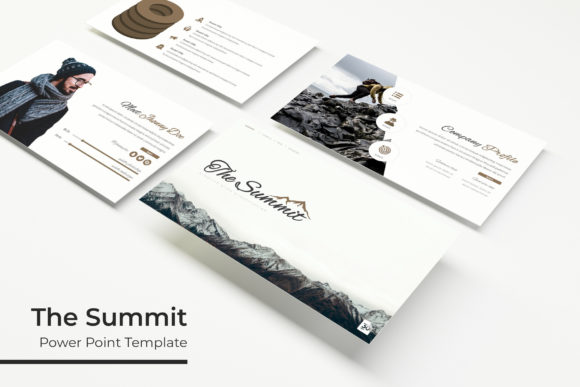
Consider your relationship with stock photography. It is important to note that all photographs used in the preview are for illustration purposes only and are not included. This is standard practice, but it impacts your workflow. Users with access to their own high-quality image libraries or subscription services will find the picture placeholders convenient. Those relying solely on free resources should factor in the time needed to source appropriate imagery to fill the drag-and-drop frames. The template provides the stage, but you must still provide the actors.
Ultimately, the decision hinges on the intersection of volume and versatility. Five color variations mean you aren't locked into a single aesthetic, making the template viable for multiple clients or distinct departmental identities within one organization. The inclusion of both widescreen and standard aspect ratios future-proofs your investment against changing hardware standards. Whether you are a seasoned presenter looking to refresh your visual toolkit or a novice seeking a structured foundation, evaluating these features against your specific pain points will reveal whether The Summit Power Point Template is the right asset for your next presentation.